Software security is no longer something businesses can afford to consider only at the end of development. Modern applications handle sensitive information, process payments, connect with third-party services, and support important business operations. A single vulnerability can expose private data, interrupt services, or damage a company's reputation. 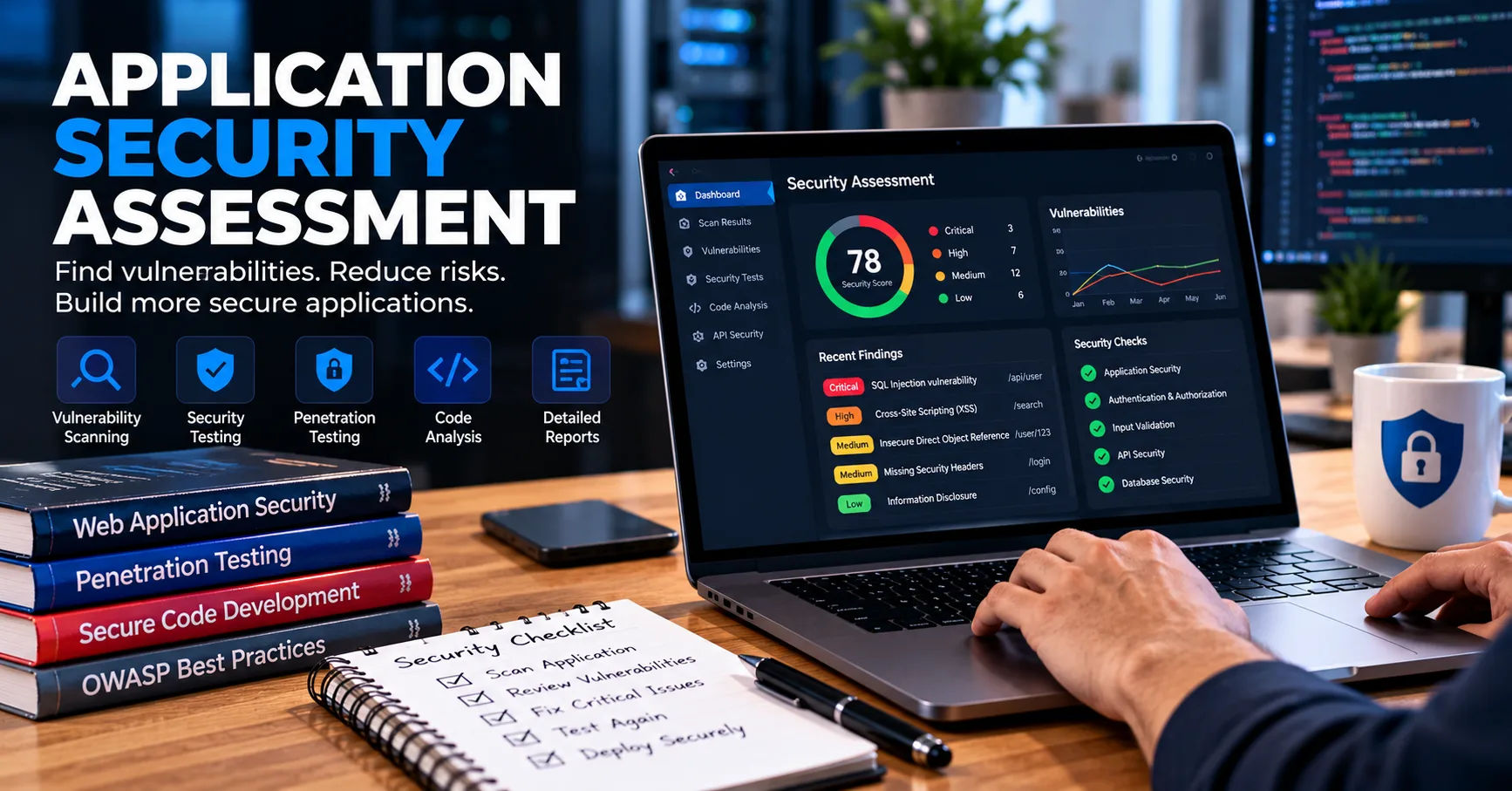 This is why software application security testing should be a continuous part of the software development process rather than a final step before release.
Knowing when to test is just as important as knowing how to test. Running security checks too late can make vulnerabilities expensive and difficult to fix. Testing too early without repeating it can also leave newly introduced weaknesses undetected. Development teams need a balanced approach that identifies risks during planning, coding, integration, deployment, and ongoing maintenance.
The best time to begin software application security testing is during the earliest stages of a project, when developers and security professionals can identify potential threats before they become serious problems. Testing should then continue whenever the application changes, new dependencies are introduced, or security risks evolve. This approach helps businesses build reliable applications while reducing the likelihood of costly incidents.
The Right Time for Security Testing
Security testing evaluates an application's code, architecture, configuration, and behavior to identify weaknesses that attackers might exploit. It can include automated scanning, manual code reviews, penetration testing, dependency analysis, and tests of authentication and access controls.
There is no single testing moment that works for every application. A small informational website may require a different schedule from a banking platform or healthcare application. The testing frequency should reflect the application's complexity, the sensitivity of its data, and the consequences of a security failure.
However, every development team should establish security checks at important points throughout the software lifecycle.
Why Timing Matters
Finding a vulnerability early generally makes it easier to understand and resolve. For example, an insecure design decision identified during planning may require only an architectural adjustment. The same problem discovered after launch could require major code changes, database updates, emergency patches, and customer communication.
Early detection also helps teams avoid releasing software with known security weaknesses. Developers can address problems as part of their normal work instead of interrupting an established release schedule.
Timely testing improves more than security. It can strengthen software quality, support compliance requirements, reduce operational disruption, and increase customer confidence.
Security Testing Is an Ongoing Activity
Applications rarely remain unchanged after launch. Developers introduce new features, update libraries, modify infrastructure, and respond to user feedback. Each change can create a new vulnerability or affect an existing security control.
For this reason, security testing should follow the application throughout its lifecycle. Initial testing establishes a baseline, while repeated testing checks whether the application remains secure as it evolves.
1. During the Planning and Requirements Stage
Security testing should begin before developers write the first lines of code. At this stage, teams can identify sensitive information, define access requirements, and determine how the application should respond to potential attacks.
Although traditional vulnerability scanners may have little code to examine during planning, security reviews can identify weaknesses in the proposed design.
Identify Potential Threats
Threat modeling is a useful activity during early planning. It involves examining the application's architecture, identifying valuable assets, and considering how an attacker might misuse its features.
For example, an online shopping platform may process customer addresses, payment information, and account credentials. A threat model can help the team consider account takeover, unauthorized purchases, data exposure, and payment manipulation.
These findings guide later testing activities and help the team prioritize the most important security controls.
Define Security Requirements
Security requirements should be specific and testable. They may cover password policies, multifactor authentication, encryption, session management, authorization, logging, and data retention.
Teams should also decide how security problems will be classified and who will be responsible for resolving them.
By defining these expectations early, organizations make security a normal development requirement instead of an optional activity added before launch.
2. During Software Design and Architecture
The design stage is another important opportunity to identify weaknesses before they become embedded in the application.
Architecture reviews examine how components communicate, where sensitive data is stored, and how access is controlled. They can also identify unnecessary connections between services and potential weaknesses in trust boundaries.
Review Authentication and Authorization
Authentication verifies a user's identity, while authorization determines what that user can access. Both need careful consideration during design.
For example, an employee portal may allow ordinary employees to view personal records while restricting administrative functions to authorized managers. If the architecture does not clearly separate these permissions, developers may create features that expose restricted information.
Security reviews should examine these access rules and define tests that verify them later.
Evaluate Data Protection
Teams should identify where confidential information travels and how it is protected at rest and in transit. They should also consider whether the application collects more personal information than necessary.
Design-stage reviews can reveal insecure data flows, excessive privileges, weak encryption choices, and unnecessary exposure of internal services.
Correcting these problems before implementation is often more efficient than redesigning a completed system.
3. During Coding and Development
Developers should perform security checks while writing and reviewing code. This is one of the most effective stages for identifying common programming mistakes before they spread into other parts of the application.
Security should be included in normal development workflows, including code reviews, automated checks, and local testing.
Use Static Application Security Testing
Static application security testing, commonly called SAST, examines source code or compiled code without requiring the application to run.
These tools can identify patterns associated with SQL injection, insecure data handling, hardcoded credentials, and other potential weaknesses. Their findings help developers investigate risky code before it reaches production.
SAST can run locally, during code reviews, or automatically whenever developers submit changes to a shared repository.
However, automated results require review. Some findings may be false positives, while complex vulnerabilities may require manual analysis.
Review Code Changes
Peer code reviews should consider security alongside functionality and readability. Reviewers can check whether user input is validated, sensitive data is protected, error messages reveal too much information, and access checks are applied consistently.
Developers should pay special attention to code that handles authentication, payments, file uploads, database queries, and external requests.
Integrating software application security testing into coding workflows allows teams to discover weaknesses while the relevant code is still easy to understand and modify.
4. Whenever Code Is Committed or Merged
A commit records a change to a code repository, while a merge combines changes from different development branches. Both events can introduce vulnerabilities, making them useful points for automated security checks.
Run Automated Checks in CI/CD Pipelines
Continuous integration and continuous delivery pipelines can automatically execute security tools whenever code changes.
Depending on the project, these checks may include static analysis, secret detection, dependency scanning, configuration checks, and selected automated security tests.
For example, if a developer accidentally commits an API key, a secret-scanning tool can flag the problem before the code reaches production.
Teams can configure quality gates to block a merge when a serious, verified vulnerability is detected. Less critical findings can be recorded for scheduled remediation.
Match Testing to the Size of the Change
Not every change requires the same level of investigation. A minor text correction may need only basic pipeline checks, while changes to login logic or payment processing may require more extensive security tests.
Risk-based testing helps teams maintain development speed without ignoring important threats.
5. When New Dependencies or Third-Party Components Are Added
Modern applications often rely on open-source libraries, frameworks, external APIs, and software packages. These components save development time but may introduce vulnerabilities or unexpected security risks.
Security checks should run whenever a dependency is added, upgraded, or replaced.
Perform Dependency Scanning
Software composition analysis, or SCA, identifies third-party components and checks them against known vulnerability information.
For instance, a web application may use a library that later receives a security advisory. Dependency scanning can alert the team so it can determine whether the application is affected and whether an update or alternative mitigation is necessary.
Teams should also review whether dependencies are actively maintained and whether they come from trustworthy sources.
Check Software Supply Chain Risks
A dependency may introduce risk even if it has no known vulnerability. Packages can become abandoned, receive malicious updates, or include unnecessary permissions.
Teams should maintain an inventory of important dependencies, use trusted package sources, and review changes carefully.
Because new vulnerabilities are disclosed regularly, dependency checks should continue after release rather than occurring only when a package is first installed.
6. Before Releasing Software to Production
Pre-release security testing is a critical checkpoint. By this stage, the application should be sufficiently complete for teams to evaluate its behavior under realistic conditions.
This stage does not replace earlier checks. Instead, it confirms that security controls work together in an integrated environment.
Conduct Dynamic Application Security Testing
Dynamic application security testing, known as DAST, evaluates a running application by sending requests and examining its responses.
It can help identify issues such as insecure configurations, exposed information, certain injection vulnerabilities, and weaknesses in session handling.
DAST is particularly useful for applications that have reached a stable testing environment. However, authenticated features may require special test accounts and configuration, and automated tools cannot identify every possible vulnerability.
Perform Penetration Testing
Penetration testing involves authorized attempts to exploit weaknesses in an application or its environment.
Qualified testers may investigate access-control bypasses, authentication weaknesses, business logic flaws, and combinations of vulnerabilities that automated scanners overlook.
Penetration testing is especially valuable before major releases of applications that process sensitive data or support critical business functions.
The scope should be clearly defined, and testing should take place in an authorized environment with appropriate safeguards.
Establish Release Criteria
Before deployment, teams should review unresolved security findings. Critical vulnerabilities should normally prevent release until they are fixed or formally addressed through an appropriate risk-management process.
The decision should consider exploitability, potential impact, available mitigations, and business requirements.
A completed checklist alone does not guarantee security, but clear release criteria help prevent known, serious weaknesses from being overlooked.
7. After Deployment and During Production
Security testing must continue after an application becomes available to users. Production systems face changing threats, new vulnerability disclosures, and configuration changes that may not have existed during development.
Monitor for New Vulnerabilities
Organizations should monitor security advisories affecting their frameworks, operating systems, libraries, and application components.
When a relevant vulnerability is disclosed, the team should determine whether the affected component is present, whether the vulnerable functionality is exposed, and how urgently remediation is needed.
Critical vulnerabilities may require immediate investigation, emergency patches, or temporary protective controls.
Review Configuration and Access
Production environments can become less secure when permissions change, cloud resources are added, or deployment settings are modified.
Configuration assessments can identify exposed storage, excessive permissions, insecure network rules, and unnecessary public services.
Teams should also review administrative accounts, service credentials, and access privileges regularly.
Use Logs and Alerts Carefully
Application logs and security monitoring can reveal suspicious behavior, repeated login failures, unusual access patterns, and unexpected requests.
Monitoring is not a replacement for security testing, but it helps teams recognize problems that may justify additional investigation.
Logs must be designed carefully to avoid collecting passwords, authentication tokens, or unnecessary personal information.
8. Whenever Significant Features or Infrastructure Change
Major changes should trigger targeted security assessments, even when the application has already passed earlier tests.
Examples include adding a payment gateway, introducing single sign-on, moving to cloud infrastructure, changing database technology, or creating a new administrative dashboard.
Test New Features Before Launch
Every new feature can change the application's attack surface. File uploads may introduce risks from malicious files, while new API endpoints may expose records to unauthorized users.
Developers should identify the security requirements of each feature and test them before deployment.
For high-risk changes, the team may need threat modeling, manual code review, integration testing, and penetration testing.
Reassess Connected Systems
Infrastructure changes can affect security beyond the application itself. A new external service may introduce additional credentials, network connections, data-sharing arrangements, and trust relationships.
Teams should check whether existing controls remain effective after these changes.
This is especially important when multiple services exchange customer data or rely on shared identity systems.
9. After a Security Incident or Vulnerability Discovery
A security incident should trigger more than an immediate repair. Teams need to determine how the weakness occurred, whether it affected other components, and whether similar problems exist elsewhere.
Investigate the Root Cause
Suppose an attacker exploits an authorization flaw that allows one customer to view another customer's records. Fixing the affected endpoint is essential, but it may not address similar flaws in other endpoints.
A root-cause investigation can identify the underlying coding pattern, design weakness, or missing security check.
The team should then develop tests that prevent the same issue from returning.
Perform Regression Security Testing
Regression testing checks that changes have not broken existing functionality or security controls.
After a vulnerability is fixed, teams should verify that the original exploit no longer works. They should also test related features and repeat relevant automated scans.
For serious incidents, independent validation may be appropriate before declaring remediation complete.
10. How Often Should Security Testing Run?
The correct frequency depends on risk, development speed, and the application's operating environment. A practical schedule combines frequent automated checks with deeper assessments at meaningful milestones.
|
Testing activity |
Recommended timing |
|---|---|
|
Threat modeling and design reviews |
During planning and major architectural changes |
|
Static code analysis |
During development and code changes |
|
Secret detection |
On commits and repository changes |
|
Dependency scanning |
When dependencies change and regularly afterward |
|
Dynamic security testing |
During integration, before release, and after significant changes |
|
Penetration testing |
Before major releases and periodically based on risk |
|
Cloud and configuration assessments |
During deployment and after infrastructure changes |
|
Vulnerability monitoring |
Continuously or at frequent, defined intervals |
|
Regression security testing |
After fixes and security-sensitive modifications |
These are general guidelines, not universal deadlines. A high-risk financial service may require more frequent independent testing than a low-risk internal tool.
Organizations should also consider contractual obligations, regulatory requirements, and the speed at which they release updates.
Balance Automation With Manual Testing
Automated tools are well suited to frequent, repeatable checks. They can identify known vulnerability patterns quickly and help teams detect regressions.
Manual testing is important when evaluating complex business logic, unusual application behavior, and interactions between multiple security controls.
A strong program uses both approaches. Automation provides consistent coverage, while skilled testers investigate problems that tools may miss.
Prioritize Findings by Risk
A large number of security alerts can overwhelm development teams if every finding receives the same priority.
Teams should evaluate severity, exploitability, exposure, data sensitivity, and the potential impact on business operations.
This helps them focus first on weaknesses that create the greatest practical danger. Findings should be assigned to responsible owners, tracked to resolution, and retested after fixes.
11. Common Mistakes to Avoid
Even organizations that perform security assessments can leave important gaps if they choose the wrong schedule or rely on limited testing methods.
Testing Only Before Launch
Waiting until the final development stage makes vulnerabilities more expensive to fix and can delay release. Security checks should begin during planning and continue as code changes.
Relying Entirely on Automated Tools
Scanners can miss business logic problems and may report issues that do not represent exploitable vulnerabilities. Human review is necessary to interpret findings and assess complicated attack paths.
Ignoring Low-Visibility Components
Internal APIs, administrative tools, background jobs, and third-party integrations can expose valuable information even when they are not directly visible to customers.
Testing should cover the application's important components, not just its public-facing pages.
Failing to Retest Fixes
A patch may fail to resolve the original issue or introduce a new weakness. Teams should verify the correction and perform relevant regression tests.
Treating Security as a Separate Department's Job
Security specialists provide important expertise, but developers, operations staff, architects, and product owners all influence application security.
Clear responsibilities and collaboration help ensure that vulnerabilities are identified, assigned, and resolved without unnecessary delays.
Conclusion
Software security testing should run throughout the entire application lifecycle, beginning with planning and continuing through design, development, integration, release, and production maintenance. Each stage provides a different opportunity to identify weaknesses before they cause financial losses, service interruptions, or exposure of sensitive information.
The most effective approach combines early threat modeling, regular code analysis, dependency scanning, automated pipeline checks, pre-release security assessments, and ongoing production monitoring. Major feature changes, infrastructure updates, newly disclosed vulnerabilities, and security incidents should also trigger additional testing.
Organizations should adapt their testing schedules to the risks their applications face. High-impact systems need stronger and more frequent assessments, while smaller applications still require consistent baseline security controls. Automation makes routine checks faster, and manual reviews help uncover complex vulnerabilities that tools may overlook.
Ultimately, software application security testing is most valuable when it becomes a normal part of building and maintaining software rather than a last-minute requirement. By testing early, testing repeatedly, and verifying that fixes work, development teams can reduce risk, improve software reliability, and protect the people who depend on their applications.
About the Author